TAB AI
Ask about your network or request a change
TAB AI is built into the customer portal. Use plain language for supported router tasks, then see a clear receipt when an action completes.
- Check router status
- Run a speed test
- Pause a device
- Review blocked threats
What would you like your router to do?Example conversation
Set protection to TAB Max↑
Protection is now set to TAB Max for stronger ad, tracker, and telemetry filtering.
✓Protection set to TAB Max
Network-level filtering
Known ad and tracker domains are filtered before supported requests reach devices connected through TAB Router. Because filtering happens through DNS, results vary by app and ad delivery method.
Malware and phishing protection
Domain blocklists help stop connections to known malicious destinations before those sites load.
Parental controls
Create family profiles, assign devices, choose age presets, set internet schedules, and pause access from the customer portal.
App and service blocking
Block supported social media, gaming, and streaming services for the whole network or selected devices.
Safe Search controls
Enable DNS-based Safe Search settings for supported search and video services without configuring each browser separately.
Encrypted upstream DNS
DNS-over-HTTPS protects DNS requests between the router and its configured upstream DNS provider.
Remote dashboard
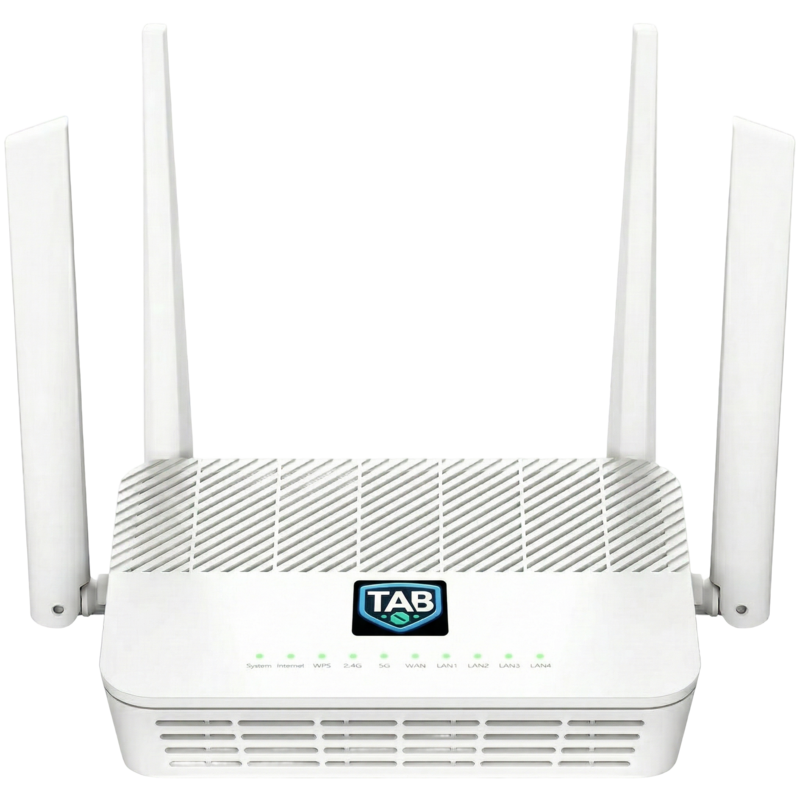
Use the customer portal to review connected devices and manage protection, WiFi, family, and support settings.
WiFi 6 dual band
Connect devices over 2.4GHz and 5GHz WiFi 6. The firmware uses WPA2-PSK by default for device compatibility.
Automatic updates
Router configuration and supported protection components can receive managed updates without manual list maintenance.
Core features included
Core filtering, parental controls, the cloud dashboard, and TAB AI do not require a recurring subscription.
Optional GEO Stream
The separate paid add-on routes supported streaming services through selectable US or UK regions. It can be managed from the dashboard.